
Your deploy said zero changed because it never looked
A deploy that ships whatever is already built never regenerates. Fifteen posts had new frontmatter, it reported 0 changed, and every link stayed stale.

A deploy ran. It uploaded nothing, reported 0 changed, and finished green. Everything about that
output was accurate.
It was also publishing work from two days earlier, and the fifteen changes I had just made were sitting in a directory the deploy never reads.
The case this post is about
One deploy, reporting success, publishing nothing:
301 page(s) · 0 changed
✅ deploy-prod live
That output is truthful. Three hundred and one pages were deployed, zero of them differed from what was already live, and the deploy completed. It is also the output you get when the build step never ran and the thing being deployed is days old.
I hit this twice in one session — the second time with five new posts that were written, gated, and
absent from the site, because deploy does not re-run generate and 0 changed reads as nothing
to do.
This post follows that one line, because a successful no-op and a never-looked-at-your-work failure print the same thing.
The symptom
The output is the problem, because it reads exactly like success.
301 page(s) · 0 changed
✅ deploy-prod live
There is no error. Nothing is red. 0 changed is a sentence you see constantly in deploy tooling
and it almost always means you have nothing new to publish, which is a fine thing to be told. Here
it meant something completely different: the thing I publish from has nothing new in it, which is
a statement about the build directory rather than about your work.
Those two readings are indistinguishable in the output, and only one of them is ever true at a time.
The second way it shows up is worse because it survives longer. You make a change, deploy, check the
live site, and the change is not there. The natural next move is to doubt the change — did the edit
save, is the frontmatter field spelled right, is there a cache in front of this. I spent that loop
with fifteen posts whose medium_url had just been written, checking whether the field name was
correct, because the deploy had told me there was nothing to upload and I believed it.
The third is the slowest. Nobody deploys expecting nothing to change, so a 0 changed after real
work is usually investigated. But a deploy that ships a partially stale build — some pages fresh,
some not — reports a believable number of changed files and is wrong about a subset. That one can
sit live for a long time.
There is a fourth that only appears with more than one person. If someone else generated the build last, the directory contains their work and not yours, and your deploy publishes it. The output is still green, the changed count is still plausible, and the thing that shipped is a mix of two people's intentions with no record of which parts came from where. The single-operator version of this bug is a nuisance; the shared-machine version is a small mystery that nobody can reconstruct afterwards.
And none of these announce themselves at the moment of the mistake. The gap between forgetting to generate and discovering it is however long it takes someone to visit the specific page that changed — which, for a site with three hundred pages and a change affecting fifteen, can be never.
Why the obvious fix failed
The obvious fix is to remember to generate first. The commands exist, the order is documented, and running them in sequence works perfectly.
It fails for the ordinary reason: it is a step you perform correctly a hundred times and omit once, and the once produces no error. There is no feedback that distinguishes the correct sequence from the incorrect one — both end in a green deploy. A process whose failure mode is indistinguishable from its success mode cannot be learned by repetition.
The second attempt is to make the deploy command regenerate automatically. This is what most people reach for and it has a real cost that is not obvious: generation and deployment have different blast radii. Generating is local and safe; deploying is public and hard to undo. Fusing them means the cheap, reversible step can only be run by invoking the expensive, irreversible one, which is a bad trade for every case where you want to inspect the build before it ships.
The third is to add a confirmation prompt — are you sure the build is current? A question nobody can answer from inside the moment they are being asked. If you knew the build was stale you would have regenerated; the prompt is asking you to report a fact you do not have.
The actual mechanism
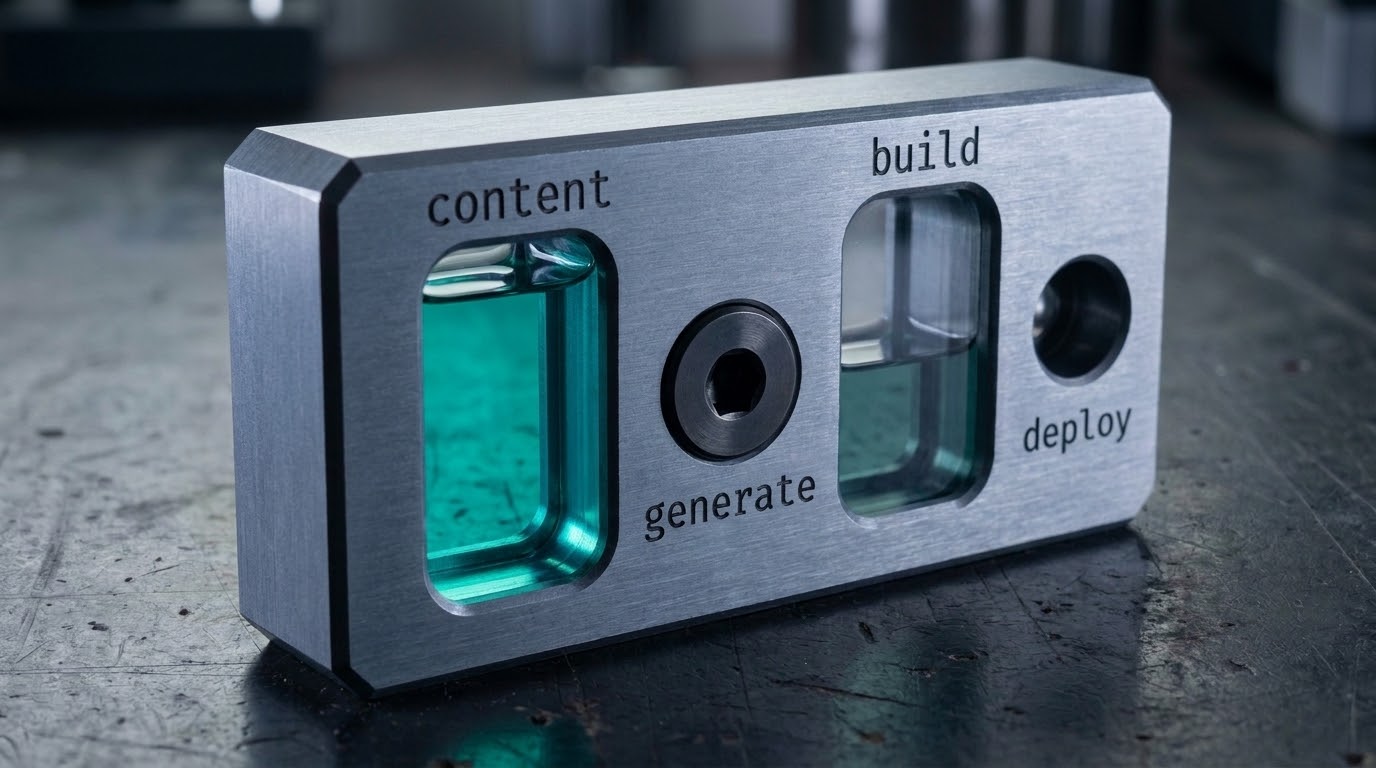
Make the staleness a property the tool can read, and refuse rather than ask.
The question "is this build current" has a mechanical answer: compare the modification time of the content the build was made from against the build output itself. If any source file is newer than the build, the build predates the work, and nothing about that requires human judgement.
Three parts make it work:
The check lives in the deploy, not in the operator. The deploy knows where the build directory is and where the content comes from. It is the only component holding both facts, which makes it the only place the comparison can happen without being told.
A stale build is a refusal, not a warning. This is the part that matters. A warning preserves exactly the failure — you get a yellow line in a wall of output and a green result, and the thing you take away is the green. The refusal has to stop the deploy.
The message names the remedy, not the symptom. "Build is stale" sends people looking for a cache. "Run generate first — the build predates your content by 2 days" sends them to the fix.
The same logic applies in the other direction, and this is the half I had wrong for longer. A tool that audits the build — a link checker, an SEO scan, an asset verifier — is reading the same possibly-stale directory, and will report confident results about the wrong artifact.

The fix
Staleness is a relation between two artifacts, so the check is a comparison and not a flag.
source newer than build  →  the build predates the work  →  refuse
build newer than source  →  the build contains the work  →  proceed
Content, not timestamps — a checkout rewrites every mtime and would make this fire on a tree where nothing changed:
const digestOf = async (globs: string[]) => {
  const files: string[] = [];
  for (const g of globs) for await (const e of expandGlob(g)) if (e.isFile) files.push(e.path);
  if (files.length === 0) throw new Error(`nothing matched ${globs.join(", ")} — refusing`);
  files.sort();
  const body = (await Promise.all(files.map((p) => Deno.readTextFile(p)))).join("\0");
  return await sha256(body);
};

export async function assertBuildIsCurrent(srcGlobs: string[], buildDir: string) {
  const src = await digestOf(srcGlobs);
  const stamped = await Deno.readTextFile(`${buildDir}/.source-digest`).catch(() => "");
  if (stamped.trim() === src) return;
  throw new Error(
    `the build does not contain the current source.\n` +
    `  built from ${stamped.slice(0, 8) || "<no stamp>"}, source is ${src.slice(0, 8)}\n` +
    `  run: generate, then deploy. deploy alone ships the previous build and reports success.`,
  );
}
The failure it exists to prevent is the one that looks like success:
$ deploy
  0 files uploaded · 199 pages · 0 changed
✅ deploy complete                      # nothing was wrong, and nothing was shipped

$ deploy                                # with the gate
error: the build does not contain the current source.
  built from 7f2a9c41, source is 0c57da24
  run: generate, then deploy. deploy alone ships the previous build and reports success.
0 changed reads as "nothing to do". It means "I never looked at your changes", and those are
indistinguishable without comparing the two digests.
What makes that cheap is that it needs no state. There is no "last deployed" marker to maintain, no timestamp file to keep in sync, nothing to get out of date — the filesystem already holds both facts, and the comparison is a single query against them.
The subtle part is what counts as source. Too narrow and you miss a change; too broad and the check fires constantly on files that do not affect output. For a site generated from content, the answer is the content directory plus the template — anything whose change should produce different HTML. Config that only affects local preview does not belong in the set, and getting that boundary wrong in the loose direction is how a correct check becomes noise and then gets disabled.
There is also a decision about what the refusal costs. A deploy that refuses after a four-minute build has wasted the build; one that refuses first costs seconds. So the check belongs at the top, before any expensive step, which is the same placement argument as every other preflight — the value of a gate is partly in how early it is.
How we proved it
The measurement is specific and it is the reason this is a post rather than a note.
Fifteen posts had medium_url written into their frontmatter by a reconcile step. The deploy was
run. It reported:
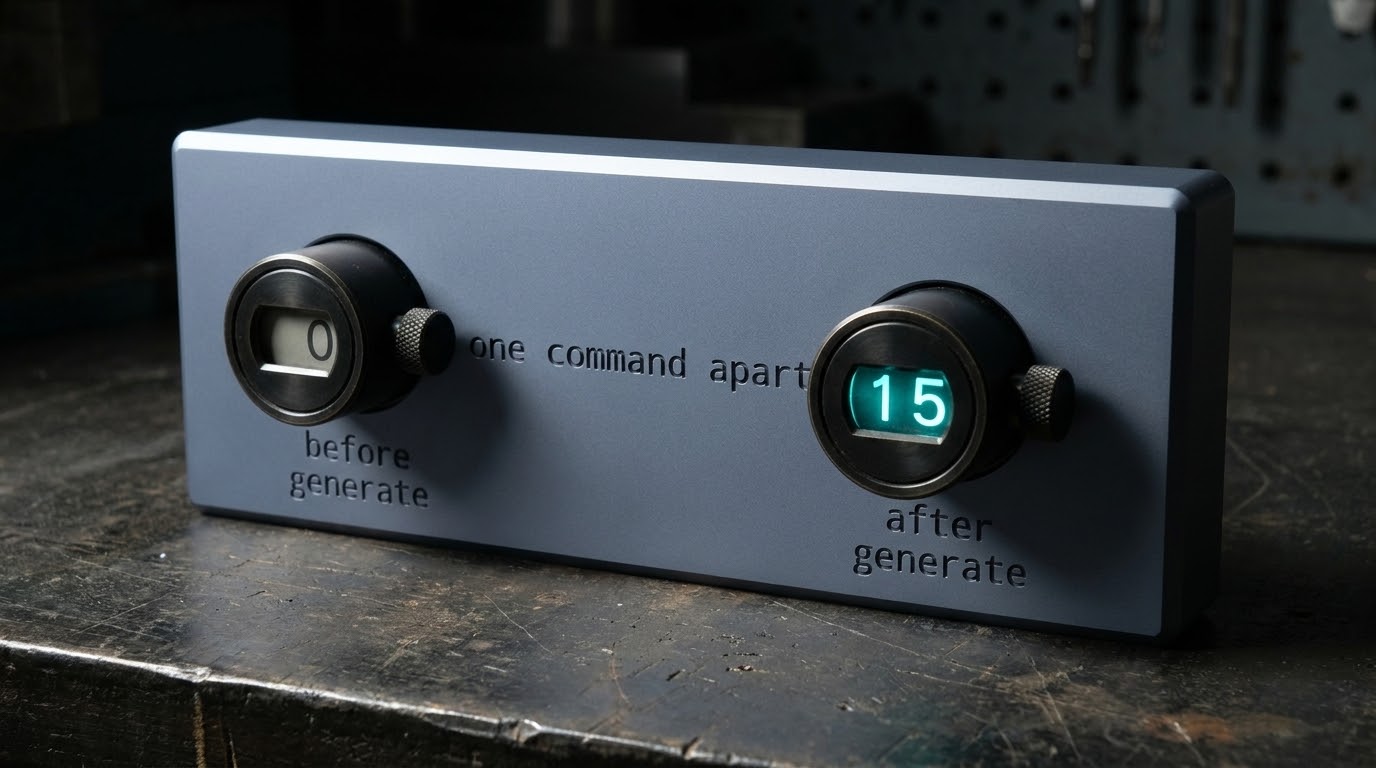
301 page(s) · 0 changed
and every one of those fifteen posts still rendered the generic publication link on the live site. The frontmatter was correct. The reconcile was correct. The deploy was correct about the directory it was reading. Nothing in the chain was broken, and the result was wrong.
After running generate, the same deploy reported:
301 page(s) · 15 changed
and the links went live. The delta between those two runs is one command, and the only observable difference beforehand was a number that looked like good news.
The same failure, found again in a different place. A build-time SEO audit in the same pipeline
reported all 113 post(s) declare og:image and passed its gate. The content directory held 145
posts. The build it audited was two days old, so the audit was describing a previous version of the
site in confident, specific numbers — and a count is exactly the kind of output that reads as
authoritative. That one was fixed by teaching the audit to refuse a stale directory rather than
describe it, which is the same remedy as the deploy.
What I have not solved: partial staleness. The comparison answers whether the build is older than the content, not whether it is internally consistent — a build interrupted halfway produces a directory newer than source and missing pages. Catching that needs a completeness check rather than a timestamp, and I have not built one. The honest position is that the mtime comparison removes the common case and leaves a rarer one.
A second limitation worth stating plainly: modification time is a weak proxy for content change. A file touched without being edited reads as newer; a file restored from a backup can read as older than work it actually contains. For a local build directory and a local content tree those cases are rare enough to accept, and on a CI runner that checks out fresh they are not — every file gets the checkout's timestamp, so the comparison says nothing. The check as described is a local-workflow guard, and a pipeline needs a content hash rather than an mtime to answer the same question.
I would rather say that than imply the mechanism generalises further than it does. The principle transfers everywhere; this particular cheap implementation of it does not survive a fresh checkout, and discovering that in CI rather than in a post would be its own version of a confident wrong green.
What this generalizes to
Any tool that consumes a derived artifact can be pointed at a stale one, and will report about what it read rather than about what you meant.
Find every step that reads a build directory — deploy, audit, lint, preview, upload — and ask what each does when that directory predates the source. Where the answer is "proceeds confidently", add the comparison, make it a refusal rather than a warning, and put it before the expensive work.
Then look hardest at the outputs that sound like good news. 0 changed, nothing to do, already up to date — each is a sentence with two readings, one about your work and one about a directory,
and the tool almost never says which it means. The ones that read as reassurance are the ones worth
checking, because nobody investigates a message that says everything is fine.
One post a week, no digest
New writing when it lands. No roundups, no course pitch, no "10 tips".